Sidebar
Astrill VPN 導致 Rhino 登入時閃退
當您嘗試登入您的 Rhino 帳戶時,Rhino 會發生閃退。
Symptoms
- 在您點選登入為…之後、網頁瀏覽器開啟之前,Rhino 就會立刻自行關閉。
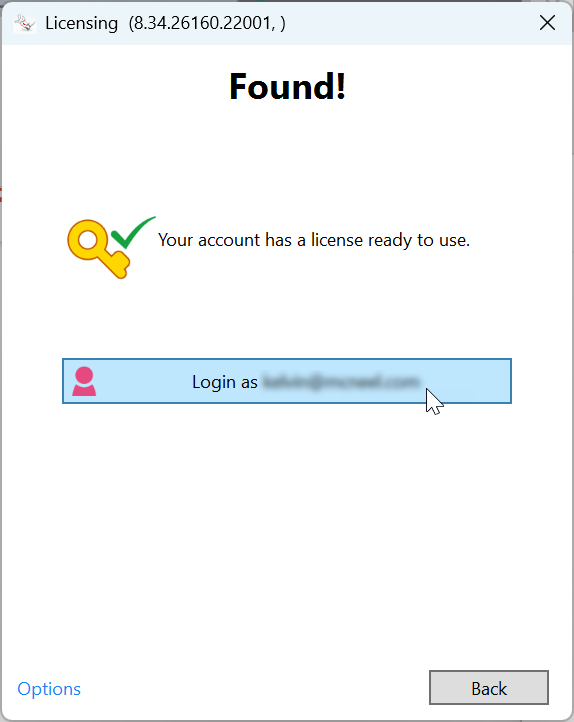
- Rhino 6 與 7: 系統會跳出 Rhino 當機報告(crash report)對話框。
Rhino 8: 只有在使用 /netfx 參數啟動時,才會跳出當機報告對話框。
當機傾印檔案(Crash dump): 內含與 “ASProxy64 “相關的短呼叫堆疊(call stacks)。

受影響的 Rhino 版本
Rhino 6, 7, 8
Solutions
請解除安裝 Astrill VPN,重新啟動 Windows 系統,接著再次嘗試登入 Rhino。
如果您仍需要使用 Astrill VPN,請嘗試以下步驟:
- 按住 Ctrl 鍵不放,並點選 AstrillVPN 用戶端程式左上角的 「三條線」選單圖示。
- 依序點選 HELP(說明) > LSP Uninstall(解除安裝 LSP)。
- 完成後,關閉 Astrill VPN 用戶端程式並重新啟動電腦。
zh-tw/rhino/rhino-crashes-when-signing-in-caused-by-astrill-vpn.txt · Last modified: 2026/08/10 by yoko_kadotani

